Insight and reports
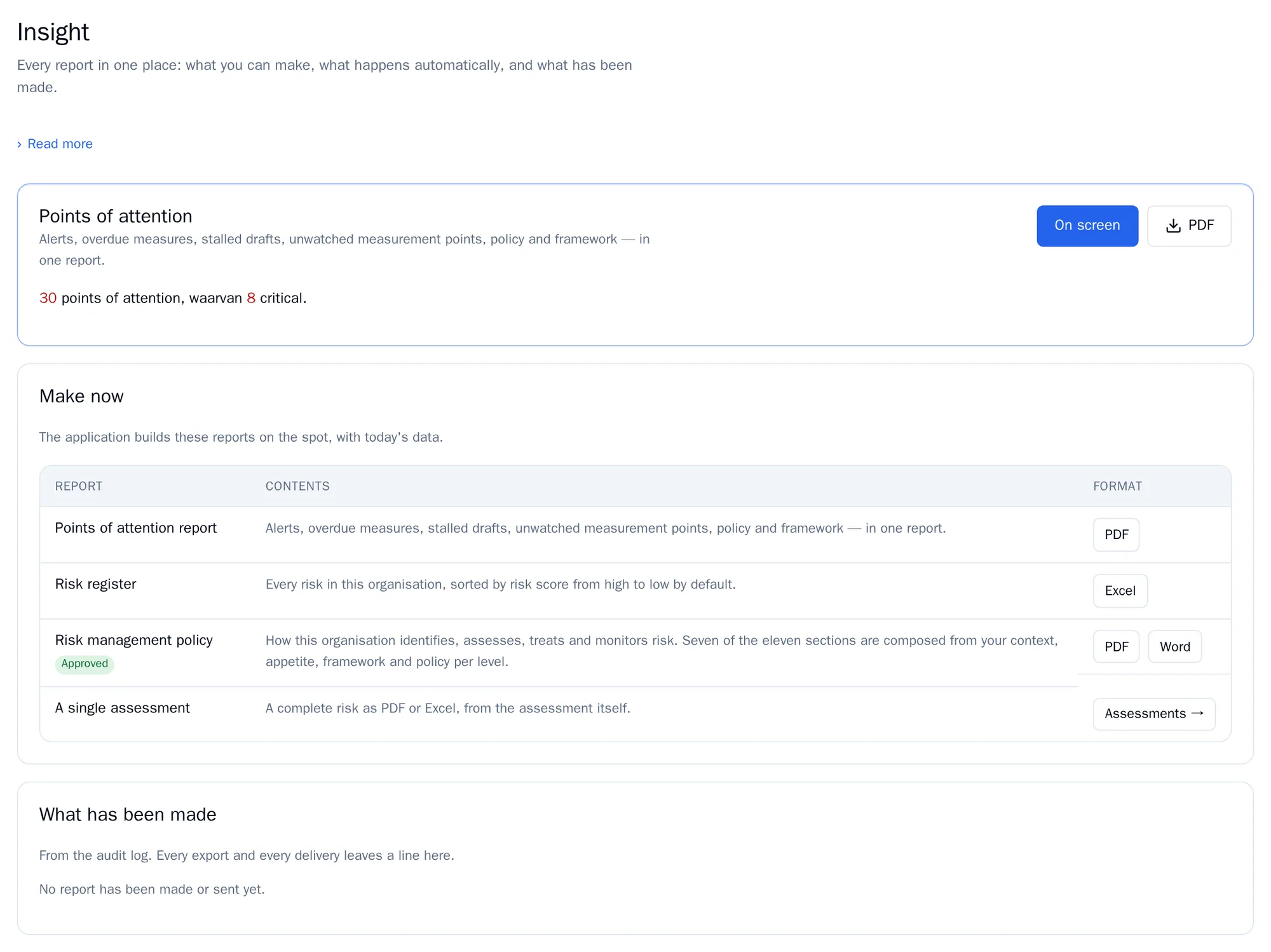
Under Insight you find all reports in one place: what you can make now, what happens automatically and what has already been made. Insight is available from the risk manager role.
Points of attention
Section titled “Points of attention”The points of attention report brings together everything that needs attention. Click On screen or PDF.
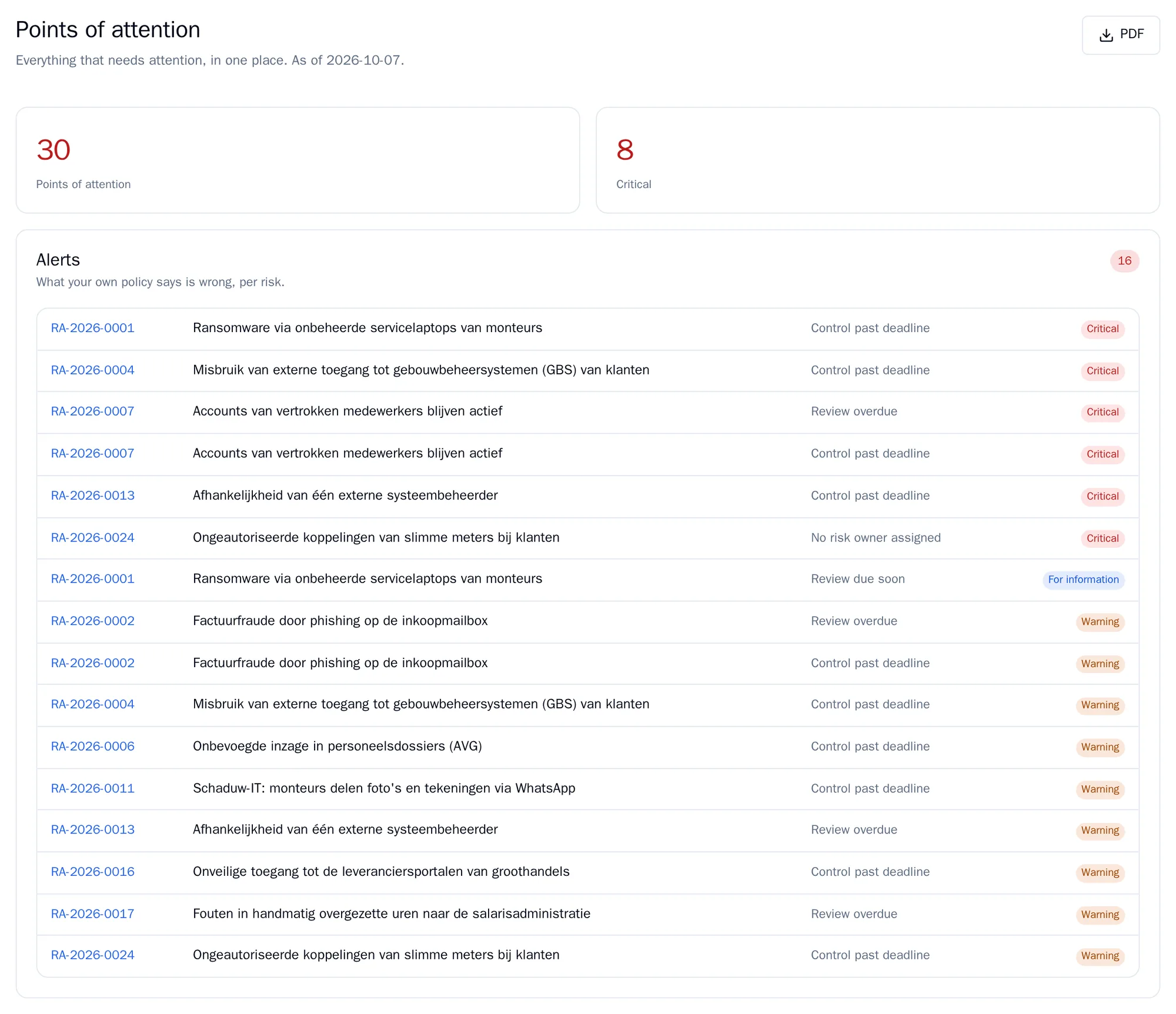
The report has these sections:
| Section | What it contains |
|---|---|
| Alerts | All risks that deviate from your policy. See Alerts. |
| Overdue measures | Measures past their deadline. After 31 days overdue they are critical. |
| Stalled drafts | Drafts that have not been changed for 30 days. |
| Unwatched measurement points | KPIs that no measure refers to. |
| MAPGOOD walkthrough | Angles that have never been reviewed, or not for more than a year. |
| Policy not yet approved | Policy documents that are still drafts. |
| Assessment framework | Draft versions of the framework, or no active framework. |
| Expired invitations | Users whose activation link has expired. |
A section only appears when the component it belongs to is switched on. An empty section says Nothing to report.
Make now
Section titled “Make now”In the Make now table you download straight away: the points of attention report (PDF), the risk register (Excel), your policy documents (PDF and Word) and, via Assessments, a single assessment as PDF or Excel.
Sending automatically
Section titled “Sending automatically”If KPIs and reviews is set to Fully used, you can have reports sent periodically.
- Under New automatic report, choose the Report: the points of attention report or the risk register.
- Choose How often: weekly, monthly or quarterly.
- Under To whom, tick the colleagues, and optionally enter email addresses of people without an account under Other addresses, one per line.
- Click Set up report.
The first report is sent after one interval. Use Send now to send it straight away. Under Last time you see what happened with the last send.
Your environment needs a mail server to send reports. If you see This installation has no mail server, RiskCompass records your reports but sends nothing. In that case, contact secctl.io.
What has been made
Section titled “What has been made”Under What has been made you find the last 25 exports and sends, with the date, who did it and which report. This list comes from the audit log.